 NexIP官方博客
Recently, in the AI field, a tool called Clawdbot has suddenly become popular.
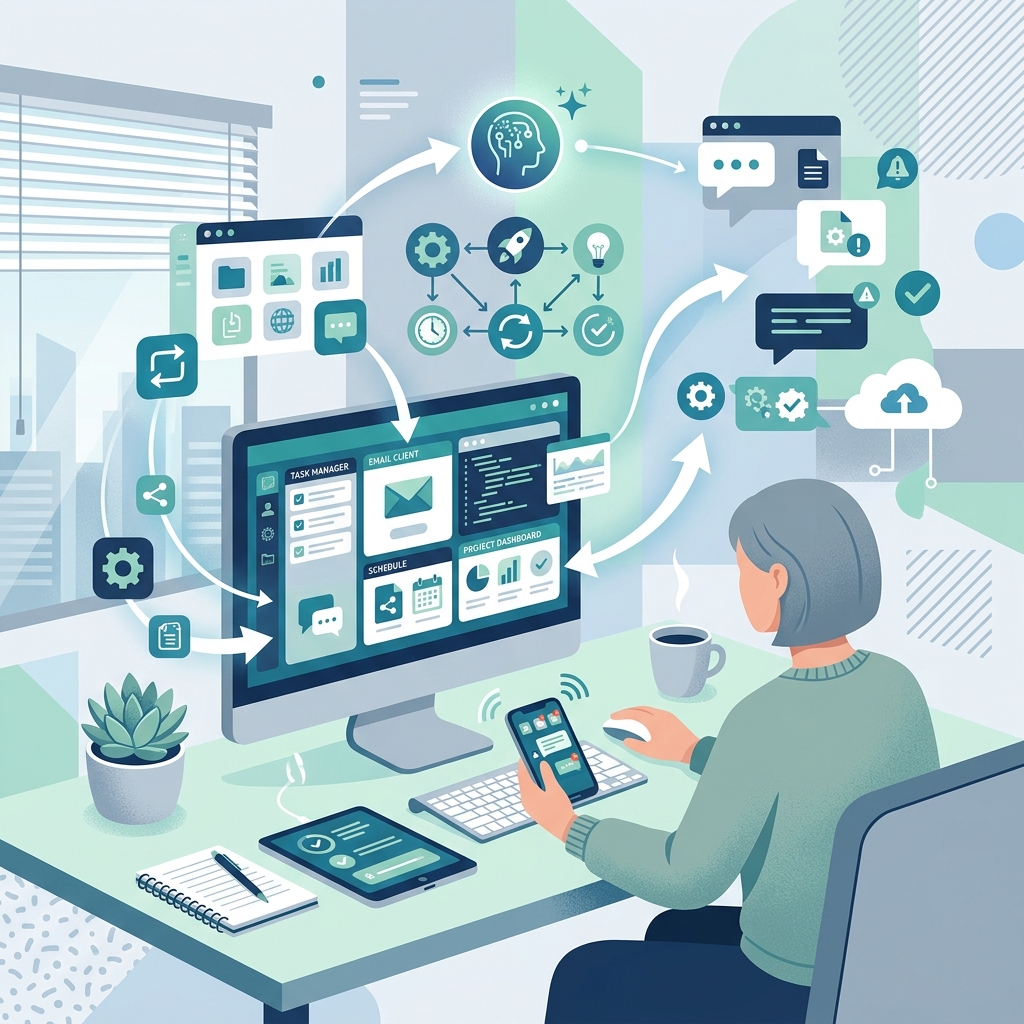
Many people, upon first seeing its introduction, find it surprising: It's not just a chatbot; it's an AI that can directly "operate a computer."
So, what exactly is Clawdbot? What can it do? Should ordinary users try it? This article will explain everything clearly in plain language.
1. What is Clawdbot?
Clawdbot is essentially an AI Agent with "full computer access capability."
Unlike ChatGPT or Claude that most people are familiar with, Clawdbot can not only "answer questions" but also act like a real person:
- Open software
- Operate the system
- Execute continuous tasks
- "Speak" on your behalf across multiple chat tools
In simple terms:
Clawdbot is an AI tool that can truly do things for you and communicate for you.
2. Which Chat and Work Scenarios Does Clawdbot Support?
Currently, Clawdbot integrates with various commonly used overseas communication and office tools, including:
- Telegram
- Slack
- Discord
- Google Chat
- iMessage
- macOS
- iOS / Android
That means you can have it:
- Auto-reply to messages
- Unified management of communication across multiple platforms
- "Talk for you" when you are offline
This is one of the main reasons it quickly gained popularity.
3. What Can Clawdbot Do? Why Is It Said to "Liberate Productivity"?
The most prominent feature of Clawdbot is:
👉 It can not only think but also actually "execute."
1️⃣ Full Computer Access Capability
Clawdbot can operate a computer like a human, including:
- Clicking
- Typing
- Switching windows
- Executing scheduled tasks
Additionally, it has persistent memory, allowing it to retain context and long-term goals.
2️⃣ With Claude Skills, Capabilities Go Further
Leveraging various Claude Skills, Clawdbot can accomplish many practical tasks, such as:
- 📊 Creating Excel spreadsheets
- 📑 Generating PPTs
- ✍️ Writing copy, scripts, and plans
- 📧 Auto-replying to emails
- 💬 Handling daily information communication
To put it more bluntly:
It's like an AI that can "both work hands-on and speak for you."
Only such AI with actual execution capability can be considered as "liberating productivity," not just a companion chatbot.
Online, some techies have even given AI $2000 to invest and make money, making it more like a tool that can truly enhance productivity. Now, AI capabilities appear more comprehensive and practical.
4. Important Reminder: Ordinary Users Must Be Cautious When Trying
⚠️ Here is a very serious reminder:
If ordinary users just want to experience Clawdbot, never provide any valuable personal information.
The reason is simple:
- Clawdbot is still in rapid iteration
- Security mechanisms and permission isolation are not yet mature
- Once bound to real accounts or important data, risks may be uncontrollable
Strongly recommended:
- Use a computer with no important data
- Use test accounts
- Do not bind primary communication tools or important email accounts
5. How to Install Clawdbot?
1️⃣ System Requirements
Recommended environments:
- macOS
- Linux
⚠️ Windows can theoretically run, but testing is insufficient, so proceed with caution.
2️⃣ Mac / Linux Installation
Simple Clawdbot Installation Tutorial
If you just want to try it out, it's recommended to install it on a virtual machine, cloud host, or an old computer you don't use. Most importantly, the device should not contain any personal privacy information or important data files.
Then, choose one of the following methods based on your situation:
On any system, if you have installed nodejs before, you can install via npm:
npm i -g clawdbotThen start with the following command:
clawdbot onboardIf you are using Mac or Linux, you can also run the following command directly:
curl -fsSL https://clawdbot.com/install.sh | bash⚠️ Since Windows environment has been tested less, stability is unclear, so it is not recommended for beginners.
6. Basic Configuration Process for Clawdbot
After installation, two key items need to be configured.
1️⃣ Start Quick Setup Mode
After entering the configuration command in the terminal, the system will start the quick setup process.
The system will first prompt about potential risks.
👉 Select **yes** to indicate that you are aware of the risks and wish to continue.
2️⃣ Choose Model and Enter API Key
Next, you need to:
- Choose the model (usually Claude series)
- Enter your own API Key
This step determines Clawdbot's "brain capability."
3️⃣ Connect WhatsApp (Strongly Recommended)
The last step is to connect the chat tool.
If you want to experience Clawdbot's full capabilities,
👉 It is highly recommended to connect WhatsApp first.
The process is simple:
- Scan the QR code
- Complete authorization
- You can then start using it
7. Who Is Clawdbot Suitable For?
Overall, Clawdbot is more suitable for:
- Tech enthusiasts / AI players
- Users with strong automation needs
- Users in overseas business / multi-platform communication scenarios
- Advanced users wanting to try AI Agents
❌ Not suitable for:
- Complete beginners with zero foundation
- Users with high account security requirements
- Users who just want to "casually chat"
8. Important Note on Proxy / IP / Network Environment (Very Critical)
In actual use of Clawdbot, the importance of network environment and IP quality is often significantly underestimated.
First, it must be clear:
👉 Clawdbot is essentially an AI Agent with "real behavioral capabilities."
It will:
- Access external websites
- Log into chat tools
- Call third-party services
- Execute continuous and long-term automated operations
This means, from the perspective of the platform's risk control system, it is not "an AI being tested" but more like:
A "user" with behavior very close to a real person, but with high operation frequency.
Why Does Network Environment Become a Risk Point?
In the following situations, the probability of account restrictions or anomalies increases significantly:
- Using public IP or VPN IP
- Frequent IP changes
- Data center IP reused by multiple accounts
- IP country mismatched with account historical behavior
Especially in:
- Connecting WhatsApp / Telegram
- Calling Google services
- Using Claude / API Key
In these scenarios, IP anomalies often trigger risk control more easily than the operation content itself.
Why Is NexIP Recommended Here?
In actual tests and user feedback, NexIP's residential proxies are relatively more friendly for such AI Agent scenarios, mainly because:
- Provides real residential IPs, not data center IPs
- High IP stability, not prone to frequent changes, suitable for long tasks
- Multiple country/region nodes available, easy to match account registration location
- Relatively simple configuration, even beginners can get started quickly
Especially suitable for:
- Users in regions with restricted overseas services
- Those needing multi-account / multi-tool integration
- Those using Clawdbot for continuous automated tasks
- Those who have experienced account anomalies due to network issues
Of course, this doesn't mean you must use a proxy to run Clawdbot, but rather:
If you want to "use it seriously, long-term, with minimal issues," then the network environment must be handled in advance.