 NexIP官方博客
The conclusion for Facebook proxy IP selection is clear: prioritize static long-term residential exits registered as ISP ASN, bind one account to one fixed IP, and strictly align 1:1 with browser fingerprint, timezone, and DNS. By 2026, mainstream risk control systems have adopted multi-dimensional joint scoring models (this ratio comes from third-party security research and industry test summaries by Cloudflare, DataDome, etc., not Meta's official disclosure), with network-layer IP reputation weight accounting for only about 25%-30%. TLS fingerprint, HTTP headers, ASN entity, and behavioral telemetry jointly participate in the judgment. Bans are determined by the entire chain, including payment methods, content violations, device fingerprints, and behavioral frequency. A proxy IP is just the network-layer foundation.
Criterion 1: Is the Exit ASN of Facebook Proxy IP ISP or Hosting? How to Check
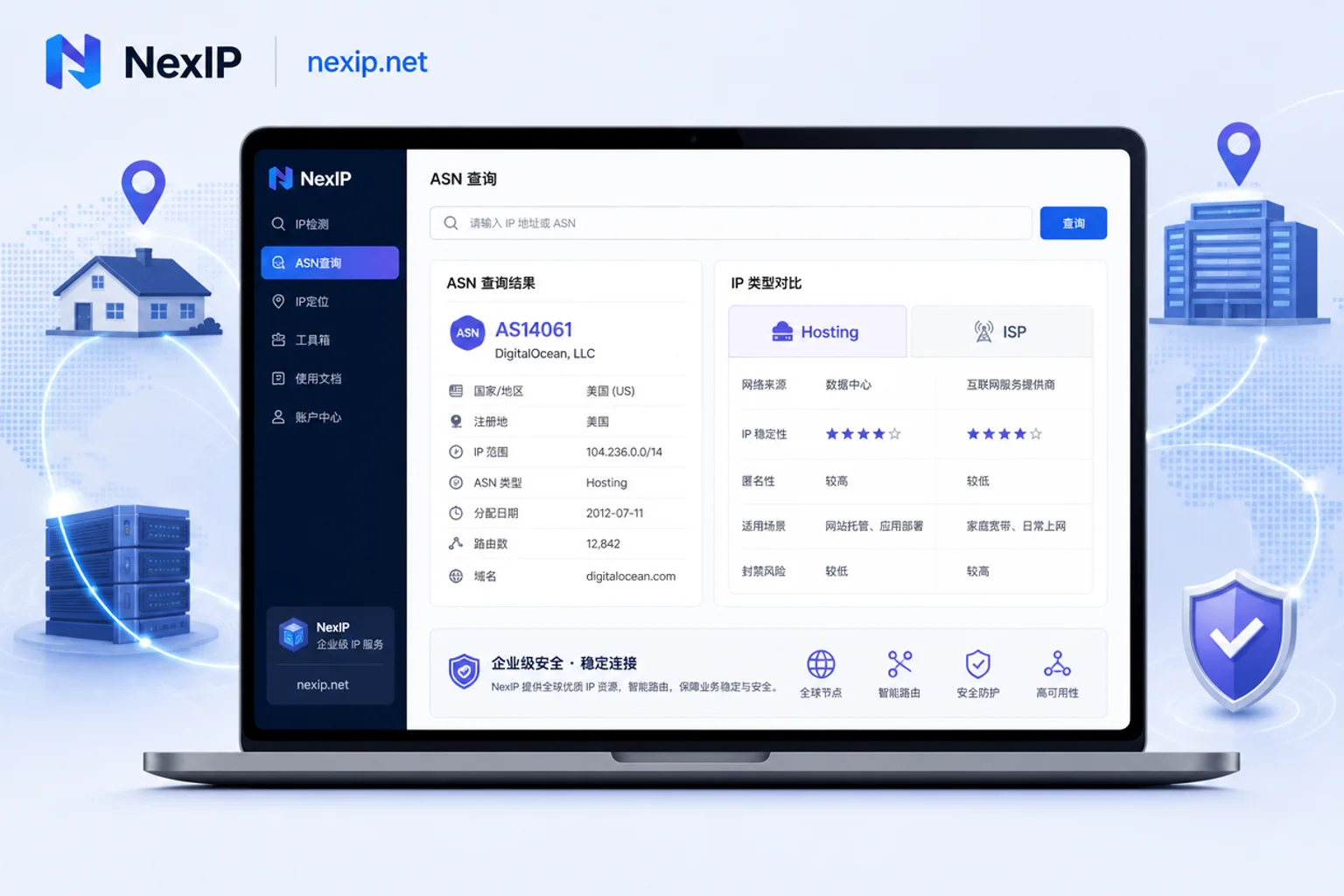
Will datacenter IPs get banned on Facebook? Datacenter ASNs are easily batch-marked during initial risk control screening due to cloud server tags. To determine whether your Facebook proxy IP belongs to a datacenter segment, use whois or ASN lookup tools to check the registered organization and network type of the exit IP: if it shows a cloud provider or hosting provider segment, it's Hosting; if it's a telecom or cable broadband ISP, it's closer to residential. There's a clear difference in registration attributes between datacenter IPs and residential IPs; the former is often used for large volumes of low-compliance automated traffic. For details on residential vs datacenter IP differences, refer to the detailed analysis. Operationally, first get the current exit IP, then use sites like ping0.cc or ipinfo.io to query its ASN and organization name. If the organization shows a mainstream cloud provider or IDC hosting provider, and the network type is marked as hosting/datacenter, it's a datacenter segment; consider replacing it with an ISP-registered long-term residential exit.
Criterion 2: Exclusivity and /24 Neighbors - Why Shared Pools Trigger Linked Verification
Many people ask: Can multiple Facebook accounts use the same IP? The answer is no. Under shared exits, neighbor behavior within the same segment can create linked risks: if a neighbor is flagged for violations, your IP segment's risk score may be raised overall. To check if your current exit is exclusive, randomly sample several adjacent IPs in the same /24 subnet, and query their ASN and blacklist status one by one. If most neighbors are marked as proxy or datacenter exits, the segment's overall reputation is low. If the segment shows many cross-border jumps or blacklist records, the risk is high. In multi-account matrices, one Facebook account per IP is essential, because independent exits avoid your account being implicated due to neighbor violations in the same segment. This is the core of proxy IP anti-association.
Criterion 3: Static or Dynamic for Facebook Proxy IP - How to Continuously Sample Exit Drift
Is static or dynamic better for Facebook proxy IPs? Static is better. High-frequency rotation of dynamic IPs during a logged-in state breaks session consistency, and risk control systems may flag it as remote account theft or scripted operation, directly contradicting the old saying "rotate more to prevent association." Recommend continuous sampling: over 24-72 hours, periodically record exit IP, ASN, and city, and count drift occurrences. If cross-city or cross-country jumps occur, the exit is unstable. For example, an IP in the eastern US suddenly jumping to Europe can easily trigger verification. Long-term static residential exits remain unchanged for extended periods, suitable for daily logged-in states.
Criterion 4: Are Client Fingerprint and IP Geolocation Self-Consistent? Timezone, Language, DNS, and WebRTC
The main reason for "changing IP but still getting verified" is inconsistency between environment fingerprint and IP geolocation. Checkpoints include: Does system timezone match the IP's timezone (e.g., IP in eastern US but timezone set to UTC+8)? Is browser language reasonable? Does DNS resolution for the exit match the IP? Does WebRTC leak the real IP? If DNS goes through domestic recursion or WebRTC exposes local addresses, even with a clean IP, risk control can identify associations via device fingerprint. Use browser developer tools or dedicated detection sites to check these items and correct them one by one.
Criterion 5: Is Browser Environment Truly One-to-One with Exit? Common Cross-Contamination Patterns
Browser environment and Facebook proxy IP must be strictly one-to-one; otherwise, isolation is ineffective. In multi-account operations, common cross-contamination patterns include: multiple environments sharing a single proxy, misconfigured proxy levels causing fallback to local IP, plugin or system-level VPN hijacking, inconsistencies between mobile and PC exits, and multiple people logging into the same environment in team collaboration. These all break the "one account, one IP" isolation. To ensure one-to-one, set up each environment's proxy individually in fingerprint browser proxy configuration, and disable system-level VPN or plugin proxies to avoid conflicts. Also, verify that the external IP matches the proxy IP using IP detection interfaces.
Correction: Why "Having Multiple Backup IPs for Rotation" Is More Dangerous Under Joint Scoring Models
The traditional view of "the bigger the IP pool, the safer" is obsolete on strong login-state platforms like Facebook. Since IP reputation weight is limited, rotation only optimizes the least weighted dimension, but breaks the strong signals of session consistency and location stability. Cloudflare, in its bot detection engines documentation (May 2026), states that its detection engine scores based on TLS fingerprint, HTTP headers, and behavioral telemetry; DataDome's related reverse engineering research (August 2026) also draws similar conclusions. Meta has not publicly disclosed its own risk control scoring details; this article makes an analogy based on similar risk control systems and does not represent the platform's official stance. Fixed and clean static residential IPs are more stable for maintaining login states and protecting advertising assets, which is the most misleading point in Facebook proxy IP selection.
Allocate Exits by Stage: Registration Verification, Daily Login, Ad Backend Operations, Public Information Access
Different lifecycle stages have different exit requirements:
| Stage | Exit Requirement | Recommended Type |
|---|---|---|
| Registration verification | Highly stable, geolocation matches profile | Static long-term residential IP |
| Daily login state | Long-term unchanged, session stickiness | Static long-term residential IP |
| BM ad backend operations | Consistent with payment and business entity geolocation | Static long-term residential IP |
| Public info access/research | Can use dispersed exits | Dynamic residential bandwidth/traffic |
Are Facebook ad account bans related to IP? Yes, but IP is just one part of the whole chain. Bans are determined by payment methods, content violations, device fingerprints, and behavioral frequency; proxy IP is the network-layer foundation.
Implementation by Stage: Division and Combination of Three Types of Residential Exits
Mapping the above stage requirements to specific product forms, refer to NexIP's three types of residential exits:
- Static long-term residential IP: Used for one account one fixed exit in long-term login states and BM backends, supporting geo and ASN targeting, with strong session stickiness.
- Static short-term residential IP: Used for short-cycle tasks and temporary environments, suitable for testing or one-off operations.
- Dynamic residential bandwidth/traffic package: Used for dispersed, non-login-state access, such as public data scraping.
Access via HTTP/SOCKS5 and API integration allows flexible configuration based on account count and stage. Note: here we only describe capabilities and suitable scenarios, not anti-ban promises.
Pre-Launch Self-Checklist and Common Questions
| Checklist Item | Pass Standard | Detection Tool Type |
|---|---|---|
| ASN registration entity | Non-Hosting, is ISP | whois, ipinfo.io |
| Neighbors in same segment | No mass risk flags | IP reputation lookup |
| Exit drift | No jumps in 24-72 hours | Scheduled logging script |
| Environment consistency | Timezone, language, DNS, WebRTC consistent | Browser detection sites |
| One-to-one environment exit | Each environment has unique IP | Check mapping table |
After completion, refer to proxy IP purity for further indicators.
FAQ
How to solve Facebook login abnormal activity prompt?
First check if the exit IP has drifted, use continuous sampling to confirm stability; then verify timezone and language match IP geolocation. If the prompt persists, temporarily stop operations and try again after a few hours to avoid triggering frequent verification.
How to detect if Facebook proxy IP is working?
Visit an IP detection website, compare the current IP with your set proxy IP, and check if WebRTC leaks your real IP. If consistent and no leakage, the proxy is effective.
Is it necessary to have one IP per Facebook account?
Yes. Independent IP avoids linked risks from neighbors in the same segment, ensures account environment isolation, and reduces the probability of associated bans. For matrix operations, this is a basic configuration.
Will logging into Facebook with a datacenter IP get banned?
There is significant risk. Datacenter ASNs are easily batch-marked due to cloud server tags; even if not currently banned, they are more likely to trigger verification. It's recommended to switch to a residential IP.
Can multiple Facebook accounts use the same IP?
Not recommended. Under a shared IP, if a neighbor in the same segment is flagged, your account may be implicated. Each account should have its own dedicated static IP.
Is static or dynamic better for Facebook proxy IP?
Static is better. Long-term login states require a fixed static residential IP to maintain session consistency; dynamic high-frequency rotation increases the risk of being flagged.



Comments(0)